First, you need to create a new unique App ID for your app. It must be fully qualified, it can't be a wildcard ID that you've previously used.

After creating the App ID, click the "Configure" button to begin the process of setting up a certificate. Check the "Enable for Apple Push Notification Service" checkbox and click "Configure" under development.

The first thing you'll need to do is generate a certificate signing request.
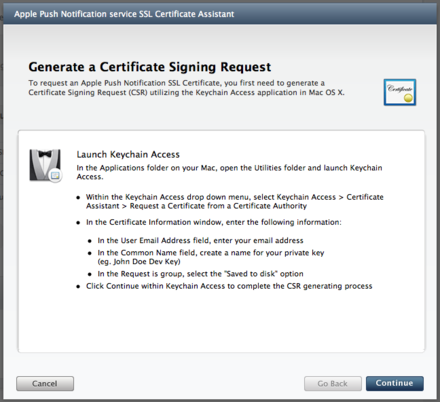
Open up Keychain Access and click the "Request a Certificate from a Certificate Authority" option under the main menu.

After you go through that process, you will end up with a file on disk. Upload that to the Apple developer site.

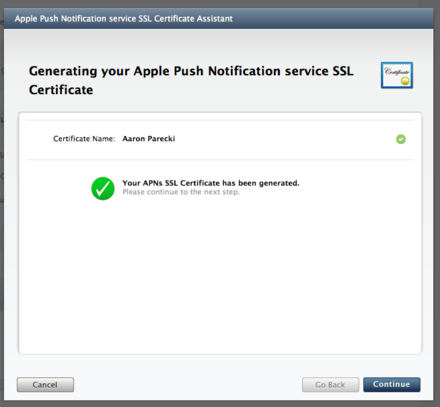
You will see the site generating a certificate, and it will be done in a few seconds.

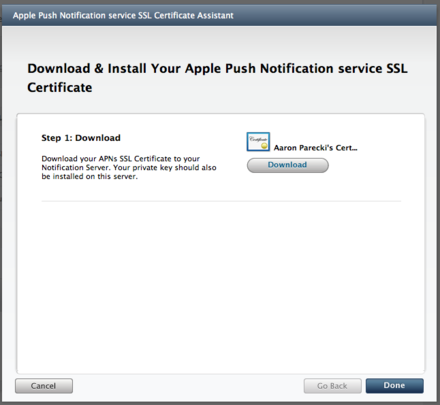
Download the generated certificate and open it, and it will add it to your keychain.

From the Keychain Access, right click on the certificate and click "Export".

Export the certificate as a .p12 file without a password. This is the file you will upload to the Geoloqi Developer website.

On the Geoloqi developer website, upload the .p12 file to the appropriate section of your application's page.
